The Cognitive Architecture Protocol
A complete workflow for turning messy voice notes into scheduled
tasks, calendar blocks, and reminders — without touching a laptop.
THE OBJECTIVE
Speak. Send. Done. One voice note becomes a structured task list, a set of calendar events, and a stack of reminders. All built by Claude while you
get on with your day.
WHAT YOU NEED TO START
✦ Your phone
✦ The Voice Memo app
✦ The Claude app
✦ Your calendar app
STEP ONE
Record Anywhere, Anytime
Don't filter yourself. Hit record on Voice Memos and speak freely while driving, cooking, walking, or in between meetings.
Say everything.
✦ What to say: Every task, idea, worry, decision, follow-up, and thing you're afraid of forgetting.
Stream of consciousness is the goal.
✦ How long: 2 to 10 minutes is the sweet spot. Long enough to capture everything. Short enough to
process fast.
✦ The result: An automatic transcript sitting in your Voice Memos app, ready to copy.
(On iPhone: tap the recording ⭢ tap the three dots ⭢ "View Transcript.")

STEP TWO
The Brain Dump Prompt
Open the Claude app on your phone. Copy your transcript and send it with the prompt below. This is your master processing prompt.
THE PROMPT

STEP THREE
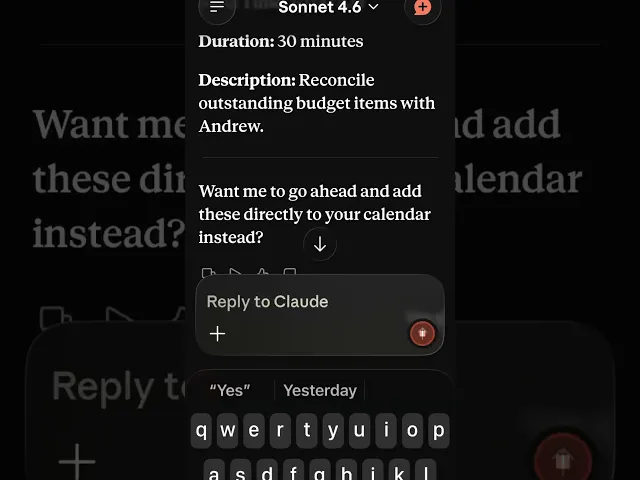
Put It on the Calendar
Take the"Calendar Blocks" section from Claude's output and get them onto your
calendar. You can do this manually in 60 seconds, or ask Claude to format them
cleanly first.
ASK CLAUDE

STEP FOUR
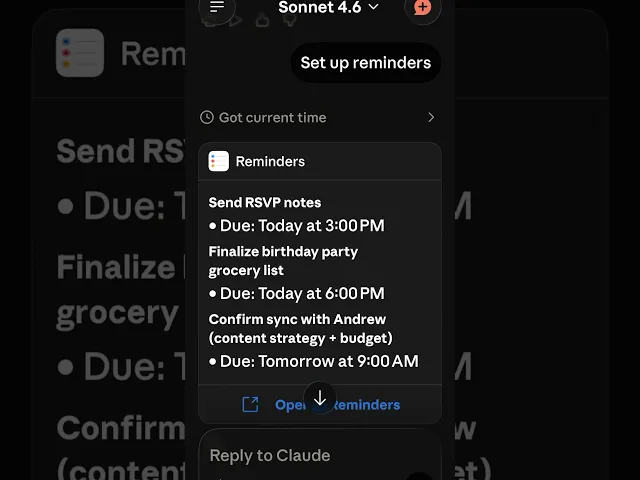
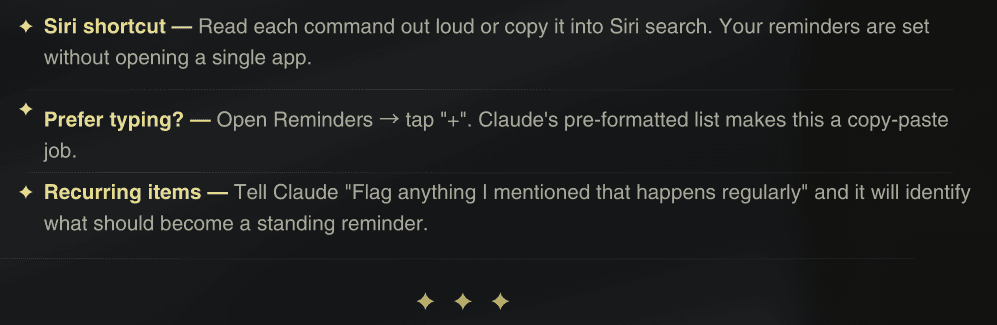
Reminders
Claude already pulled your time-sensitive items into the "Reminders to Set"section.
Now use this follow-up prompt to get them in a format you can use immediately.
ASK CLAUDE
STEP SIX
Before You Close Out
Run this one final prompt before you put your phone down. It catches anything the
first pass missed and confirms your plan is airtight.
FINAL PROMPT
Once Claude gives you the all-clear, you're done. The voice note is processed. Everything is captured,
scheduled, or delegated. You can delete the recording.
STEP FIVE
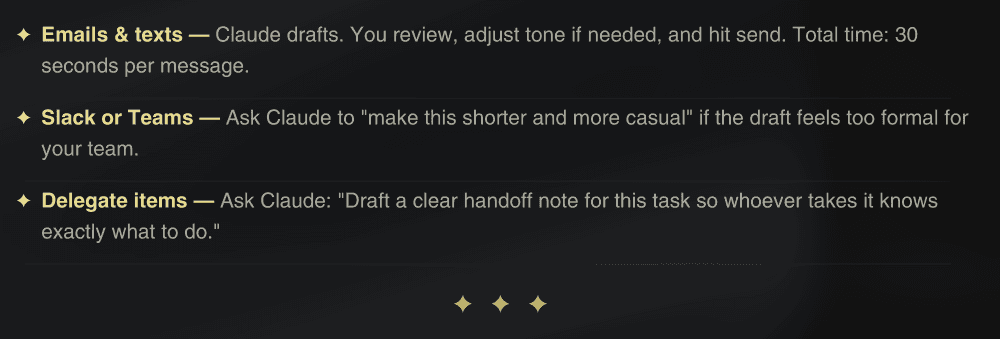
Follow-Ups
If your voice note mentioned anything you need to send, reply to, or communicate,
don't let it sit on a list. Have Claude draft it now while the context is fresh.
ASK CLAUDE